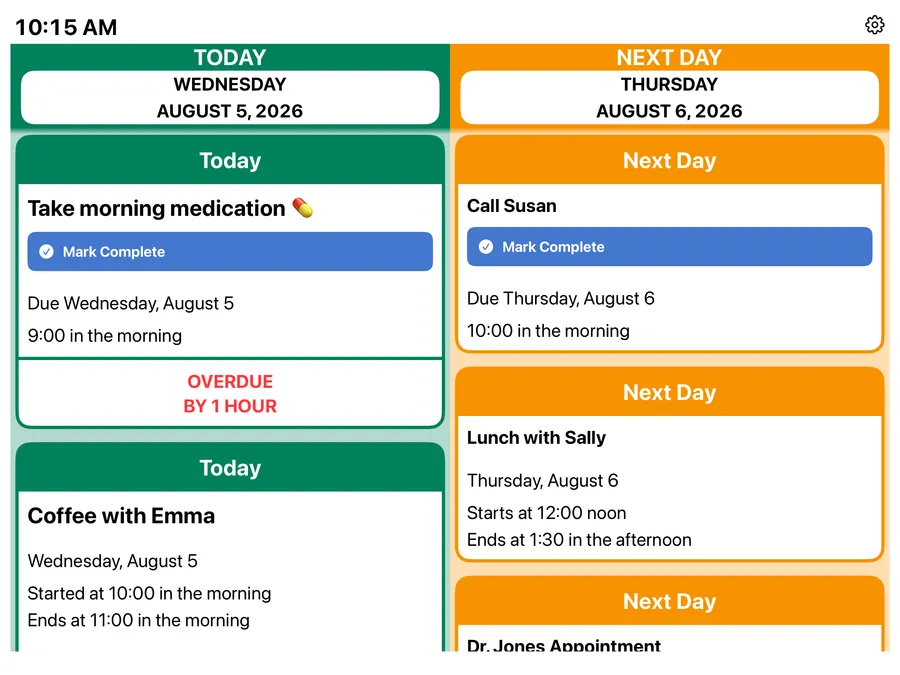
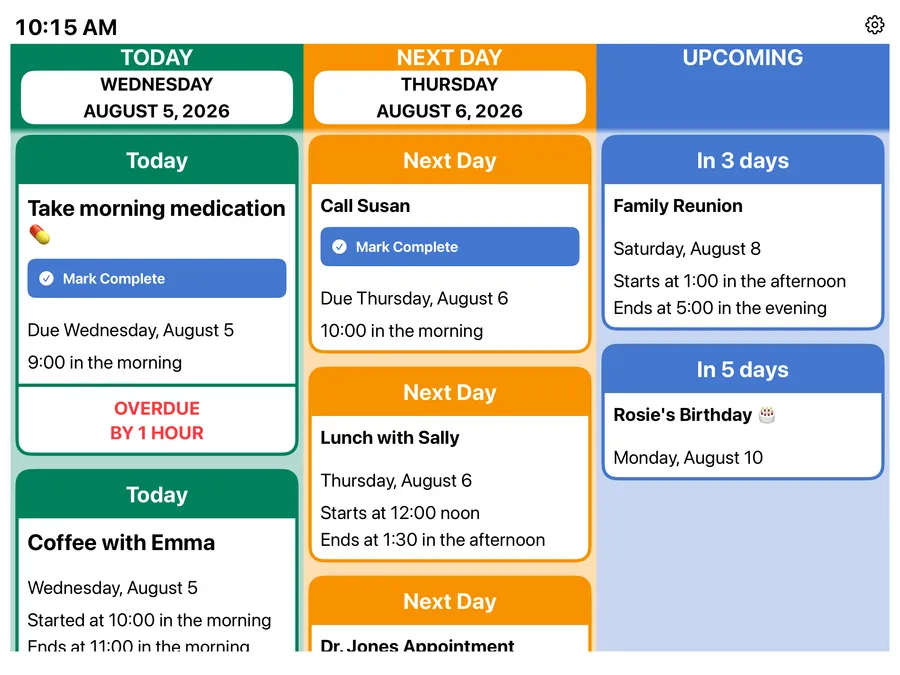
On iPad there are five views — pick whichever is easiest to read:
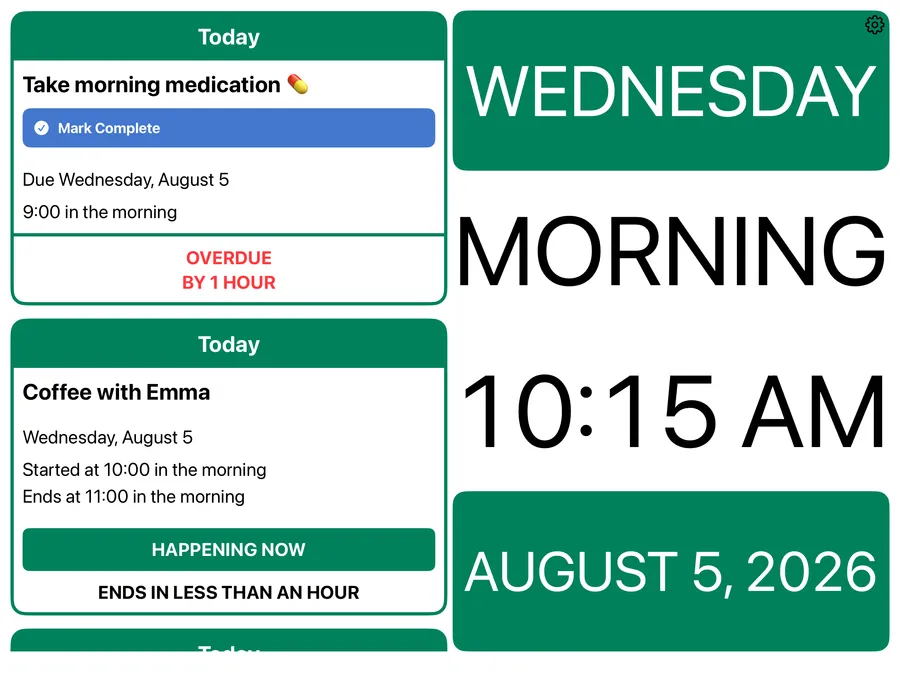
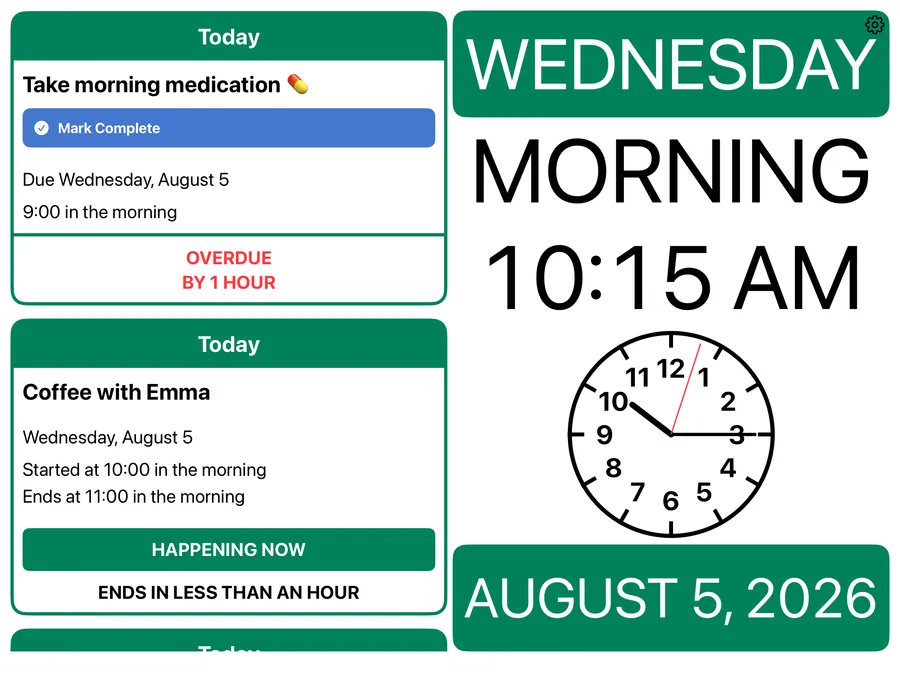
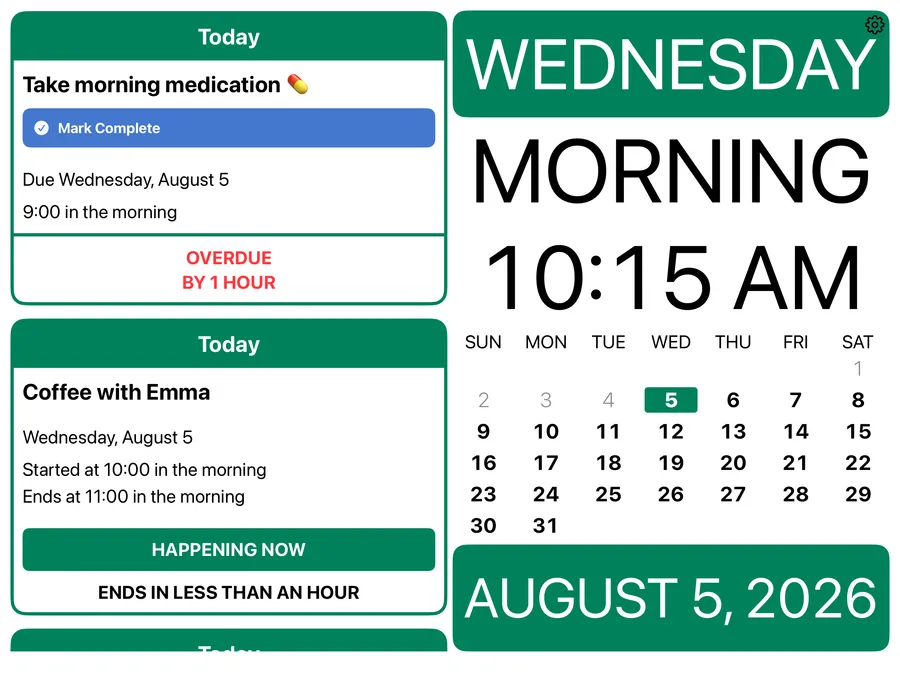
On iPhone there's just one view, and it's free — whichever way you hold it.
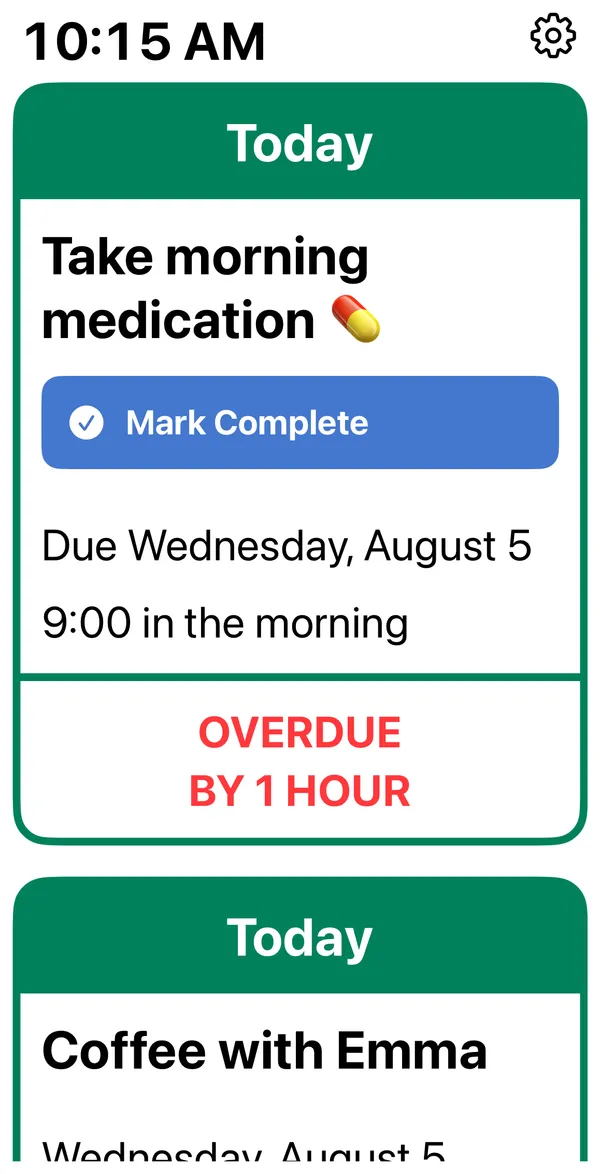
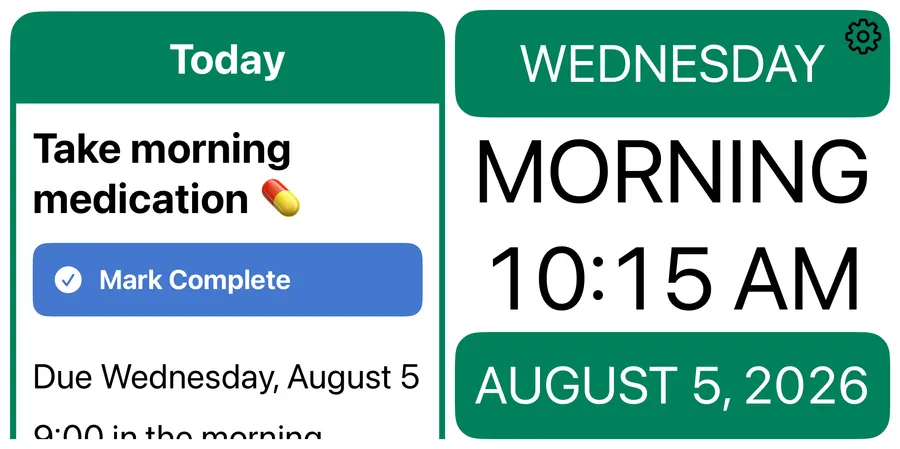
Screenshots show Premium features like reminders.
At a glance
Free
- Today's events beside the day, date, and time
- Any calendar from Apple Calendar — iCloud, Google, Exchange, or on-device
- Calendar events can't be changed or deleted
- Choose which calendars to show
- An optional title across the top
- A custom message once the day's events are done
- 12 or 24-hour time
- Large type that follows your text-size setting
- Light and Dark Mode, automatically
- The settings button can be hidden away
Premium adds
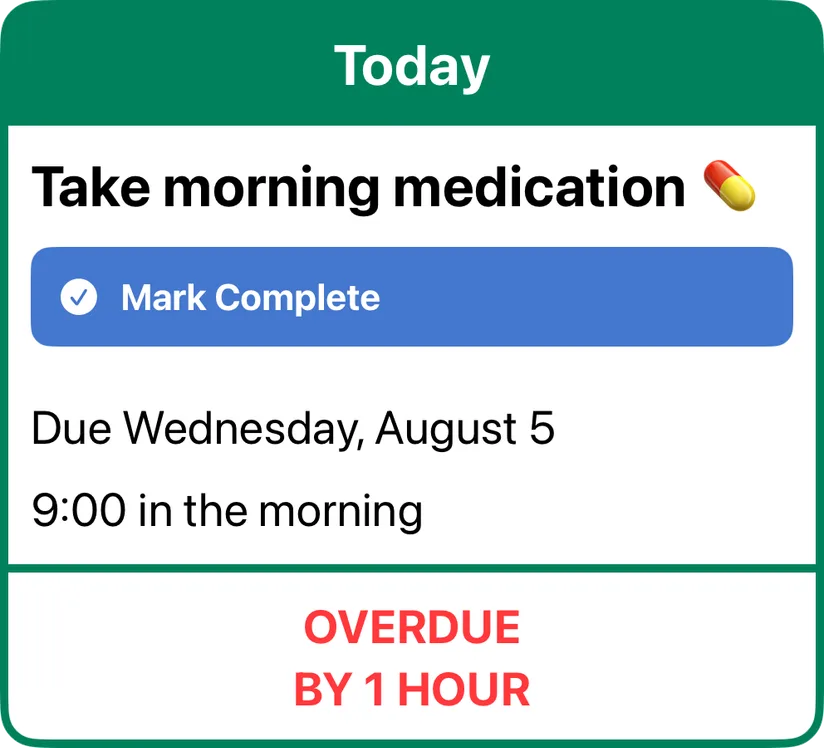
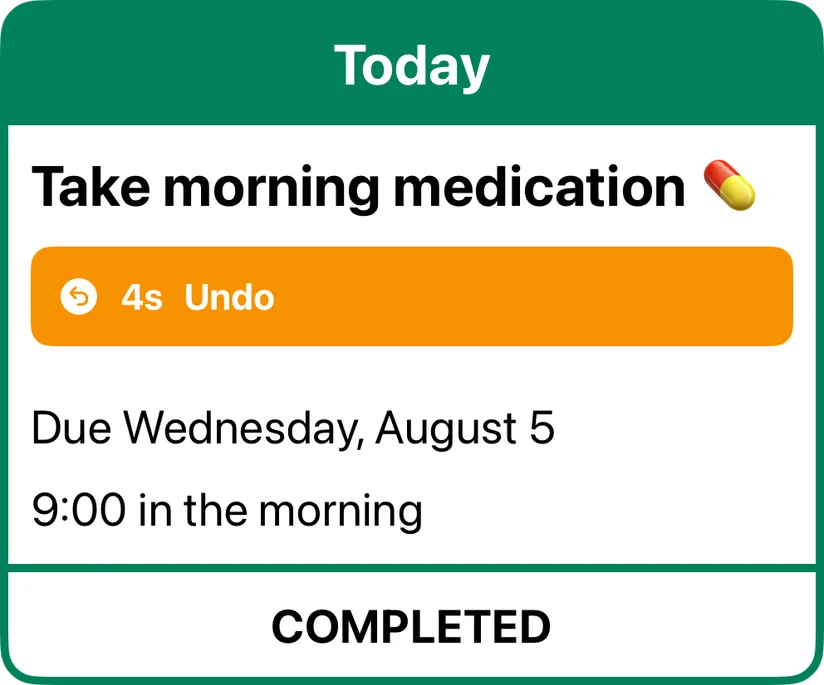
- Apple Reminders beside events — one tap to check off, five seconds to undo
- More views on iPad
- The days ahead — up to a full year
Pay monthly — first week free.
Why I built this
Someone in my family was living with dementia. She wanted to know what was happening each day, and ordinary calendars weren't working for her anymore — so I made this app to show her day in large type, with only the title and the time. As her condition declined, I changed the app's settings to show fewer days. RemindMe! is built so your family can simplify it the same way, step by step, as needs change.
— Mike
Family updates it from anywhere
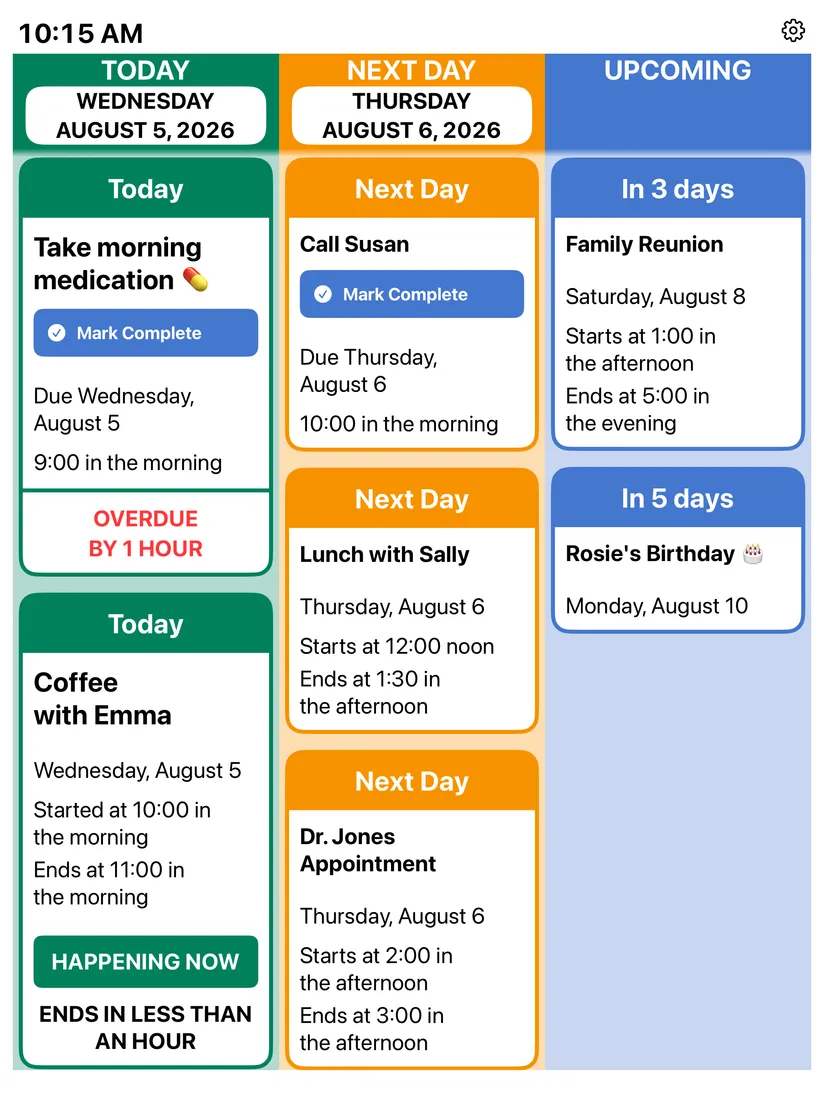
It shows the events and reminders your family already keeps in Apple Calendar and Apple Reminders, in large, easy-to-read type. Any calendar on the device can be shown — and a shared one (iCloud, Google, Exchange) lets family add or change things from their own phones, wherever they are. The screen updates by itself.
Nothing changes by accident
The person using it can't change or delete anything — the one tap that does something is checking off a reminder. Even then there's a five-second window to undo it, in case it was pressed by accident; after that, the reminder disappears from the list.
You can hide the settings button so there's nothing to wander into, and that hides the upgrade button with it, so a subscription screen can never pop up on them.
Leave it on the counter or mount it on the wall. Ended events drop off the top of today's list on their own, and if someone scrolls ahead or opens something and walks away, the app quietly resets after 90 seconds.
Show only what helps
Pick whichever view works best, and change it as needs change. The same goes for how many days to show — from a year ahead down to just today. And if the type needs to be larger, it follows the text size you set in Apple's Settings app under Accessibility.
One plan, monthly, on purpose
There's no yearly option because I know firsthand how fast things can change. Try everything free for a week, keep it while it helps, and cancel anytime in your Apple account settings.
One more thing
RemindMe! won't fit every family, and some of what's in it today came from other families' suggestions. If you try it, tell me what would help: you can contact me right from the app's Settings, or write to mike@mindupllc.com.
I hope it helps your family the way it helped ours.